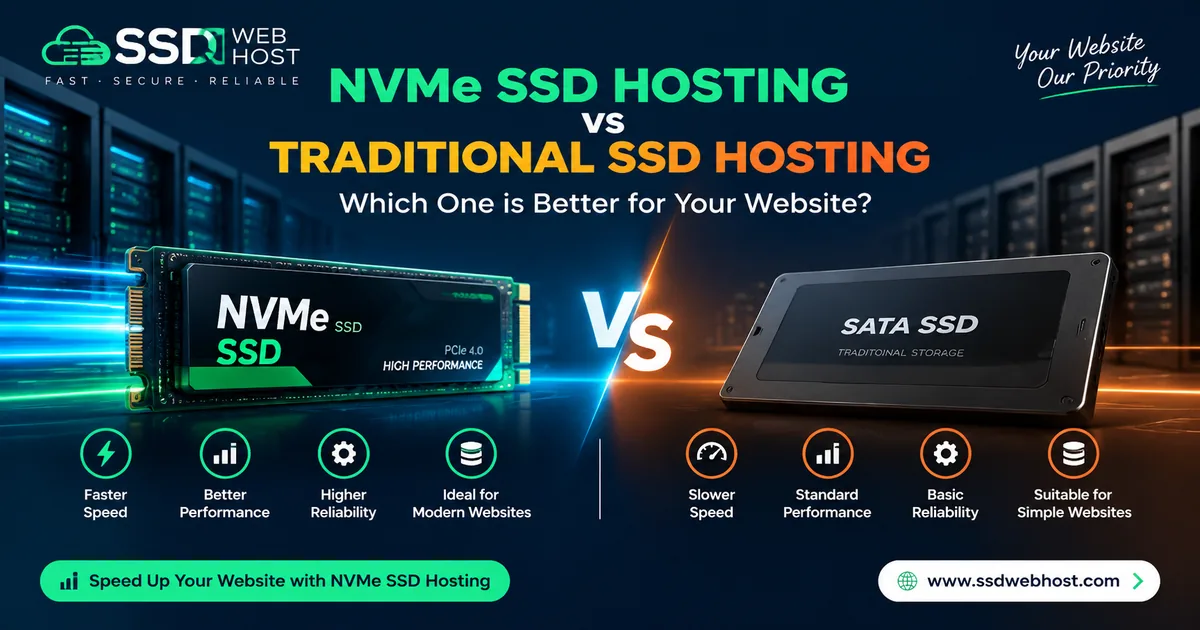
NVMe hosting and SSD hosting are not opposites: an NVMe drive can itself be an SSD. In hosting comparisons, “traditional SSD” often refers to SATA SSD storage. Ask the provider which technology the plan actually uses.
What Do SSD and NVMe Mean?
SSD describes solid-state storage. NVMe defines communication with non-volatile storage; local NVMe SSDs commonly use PCIe. The NVM Express specification explains the protocol. SATA SSD hosting uses a different storage interface and command architecture.
These labels describe part of the infrastructure. They do not specify your account's CPU allocation, memory, storage throughput limit or the workload of other accounts.
What Can Faster Storage Help With?
Storage performance can matter when an application reads or writes many files or database records. The benefit depends on the actual workload, caching and allocated resources. A cached page may behave differently from a database-heavy request.
Do not interpret a drive benchmark as a promise that every page will load the same number of times faster. A website can be limited by processing, database queries, plugins, network latency, images or scripts instead.
Compare Plans Beyond the Storage Label
- Available storage capacity and room for email and databases.
- CPU, RAM, I/O and inode limits for the account.
- Backup frequency, retention and restore arrangements.
- Application compatibility and available caching tools.
- Server location, support scope and renewal cost.
A suitable SATA SSD plan can be enough for a small website. An NVMe plan may be useful for a storage-sensitive workload, but insufficient CPU or memory can still cause delays. Choose from measurements and requirements rather than the label alone.
Test Your Website Before Upgrading
- Record performance for representative pages and actions.
- Check resource usage during normal and busy periods.
- Identify expensive database queries and cache misses.
- Optimize images and unnecessary scripts where needed.
- Compare before-and-after results under similar conditions.
For a practical testing workflow, read our website speed guide. Avoid publishing benchmark claims without stating the test conditions and results.
Find a Plan for Your Project
Compare Start Hosting for WordPress or Business Hosting for company websites and stores. Review the listed resources and ask support to confirm any missing limits.
For a broader buying checklist, read how to choose hosting in Bangladesh. If moving a website, arrange testing and backups before changing DNS.